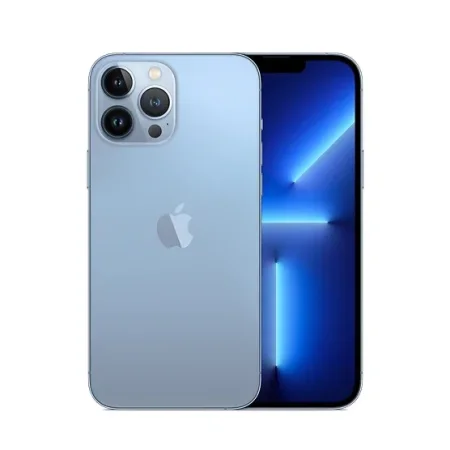
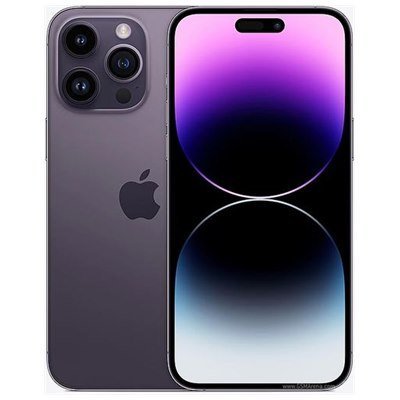
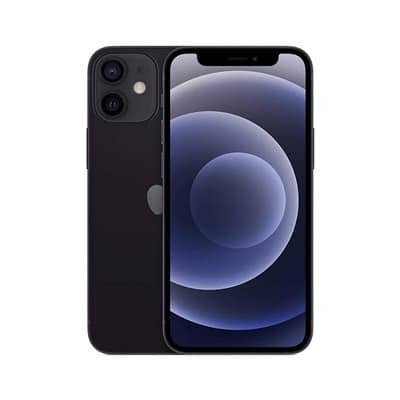
iPad Air 10.9 | 4th generation
iPad Pro 11" | 1st generation
iPad Pro 11" | 2nd generation
iPad Pro 12.9" | 3rd generation
iPad Pro 12.9" | 4th generation
Description
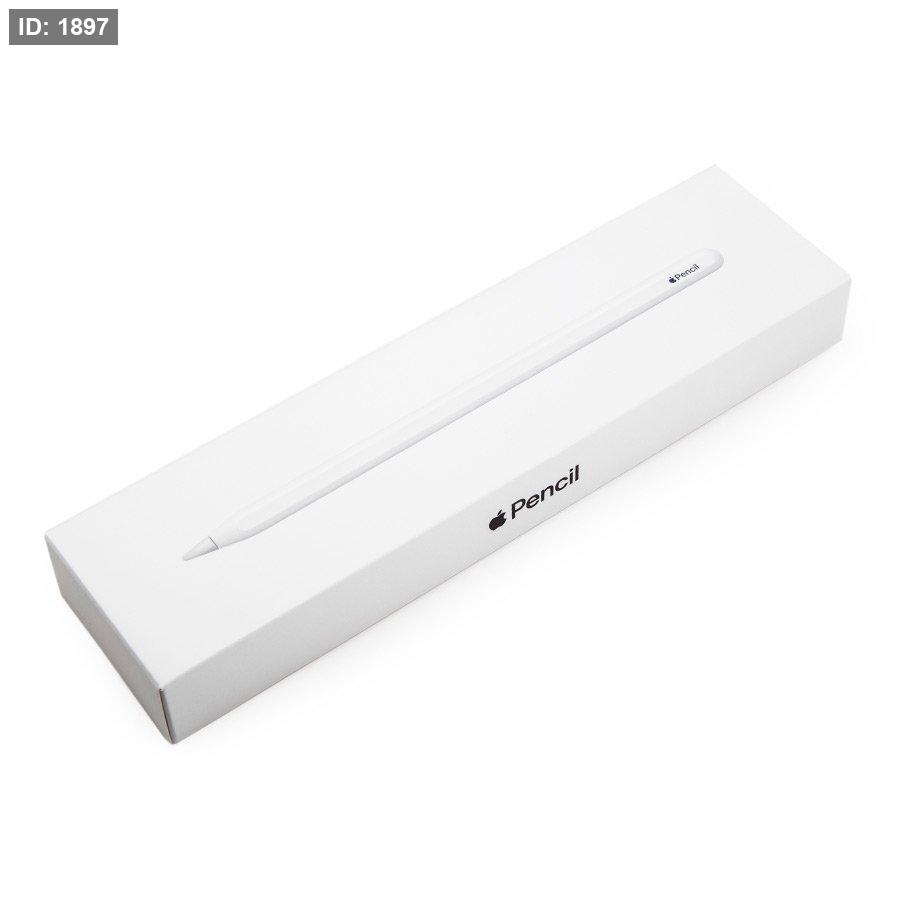
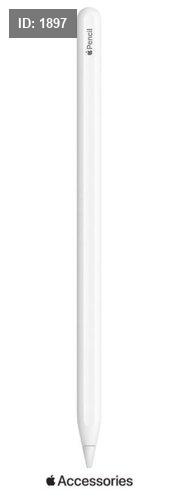
Apple Pencil 2nd Generation Apple Model 2Gen
The advanced Apple Pencil is effective and especially necessary for the ease of operation and use of iPad devices!
The pen allows you to tap, write and draw comfortably on the iPad Pro's touchscreen.
Using pressure and tilt sensors that adjust with amazing precision, the Apple Pencil immediately detects when you press harder or change its tilt angle, and you can change the thickness of the line, create shading and a variety of artistic effects, as well as use it as a fountain pen, brush, paintbrush or pencil, and allows you to edit emails, PDF files, photos, drawings and more.
In addition, the pen only needs 15 seconds of charging for half an hour of use.
Dream it. Write it:
Apple Pencil sets the standard for digital drawing.
The second-generation stylus takes the experience to the next level. Now you can pair, charge wirelessly, and switch between tools, like a pencil and an eraser, all with a simple double-tap. Go ahead and make your mark!
Designed to do more. Easier.
The second-generation Apple Pencil attaches magnetically to your iPad Pro. Once connected, the pen automatically connects to and charges through your iPad, so you’re always ready to go.
The second-generation Apple Pencil also offers new ways to interact. Just double-click to easily switch tools without interrupting your workflow.
Magic connection. Wireless charging.
The second-generation Apple Pencil starts charging when you place it on the flat part on the right side of your iPad Pro. It also automatically connects to your device. Plus, you can charge your iPad Pro and Apple Pencil at the same time. Magic, right? They're magnets, but let's stick with magic.
Tap to unlock new capabilities
The second-generation Apple Pencil lets you change modes with a double-tap. You can customize your taps so you can easily switch between the tools you use most.
Cutting-edge technologies – for professional art, and everything in between
The Apple Pencil is perfect for capturing any inspiration. Use it to take notes, paint, or design blueprints.
There are all kinds of apps in the App Store that let you do even more with the new stylus.
No matter what you decide to do with it, the Apple Pencil is easy to use but hard to stop using.
Mark up emails, screenshots, and more!
You can write and draw right on top of emails, and even draw directly in apps like Keynote.
Take a screenshot and mark up important things.
An ideal tool for all types of artists,
Apple Pencil helps you express your creative ideas. Whether you're painting with watercolors, designing interiors, or editing a photo, the pen brings your visions to life.
Advanced technology for maximum fluidity
A pen packed with technologies designed to make it completely intuitive to use. With near-zero lag and pixel-perfect precision, it feels like a regular writing instrument you've been using for years.
Dimensions
Length: 166 mm
Diameter: 8.9 mm
Weight: 20.7 grams
 الرئيسية
 هواتف ذكية
 ايباد وتابلت
 حماية شاشة للموبايل
 كفرات موبايل وايباد
 بطاريات وشواحن لاسليكة
 هولدر موبايل وايباد
 حماية كاميرا للموبايل
 شاحن موبايل
 كوابل شحن
 قلم ذكي
 حماية شاشة ايباد وتابلت
 ايربودز وهيدفون
 ساعات ذكية
 شاحن ساعة ذكية
 اكسسوارات سيارة
 باندات وحماية شاشة للساعات الذكية
 كفرات ايربودز
 اكسسوارات وملحقات PlayStation, XBox
 شواحن سيارة
 اجهزة العاب واكسسوارات
 طاولات وكراسي جيمنغ
 كاميرات
 رنجات تصوير وأضواء تخييم
 عصي سلفي
 محولات
 كوابل HDMI
 تلفزيون تفاعلي وبروجيكتر
.jpeg) تحويلات صوت
تحويلات صوت نظارات الواقع الافتراضي
 طابعات وكيبل طابعه
 كيبورد كمبيوتر وايباد
 ماوس كمبيوتر
 ماوس باد
 اكسسوارات متنوعة
 حقائب
حقائب اجهزة مساج
 سبيكر ومايكروفون
.png) اجهزة انترنت
اجهزة انترنت مباخر
مباخر عدة صيانة
 اجهزة تلفون ارضي
 مراوح
مراوح كوابل انترنت
 عرض كل المنتجات
 وصل حديثاً
 سيتوفر قريباً
 اتصل بنا
 APPLE
APPLE Atouchbo
 TRANYOO
 MIRACASE
 YESIDO
 REDMI | XIAOMI
 SAMSUNG
 PASHAPHONE
  GOJI
GOJI Spigen
 SanDisk
 iShock
 UniPro
EARLDOM
 CUDY
CUDY NOKIA
NOKIA.png) TECNO
TECNOJEQANG
.png) SONY
SONY ITEL
ITEL POCO
POCO عرض الكل
 تحدث الينا - واتساب
 اتصل بنا هاتفياً
 ارسل لنا بريد الكتروني
 تابعنا على فيس بوك
 تابعنا على إنستغرام
 تابعنا على تيك توك
 تابعنا على سناب شات

.png)



-450px.png)